

Learn PLC programming on a working PLC simulator.
Write real Siemens and Rockwell code, run it on 3D machines and let automatic tests check it. Start from zero, right in your browser.
- Nothing to install
- No account needed
- Siemens and Rockwell
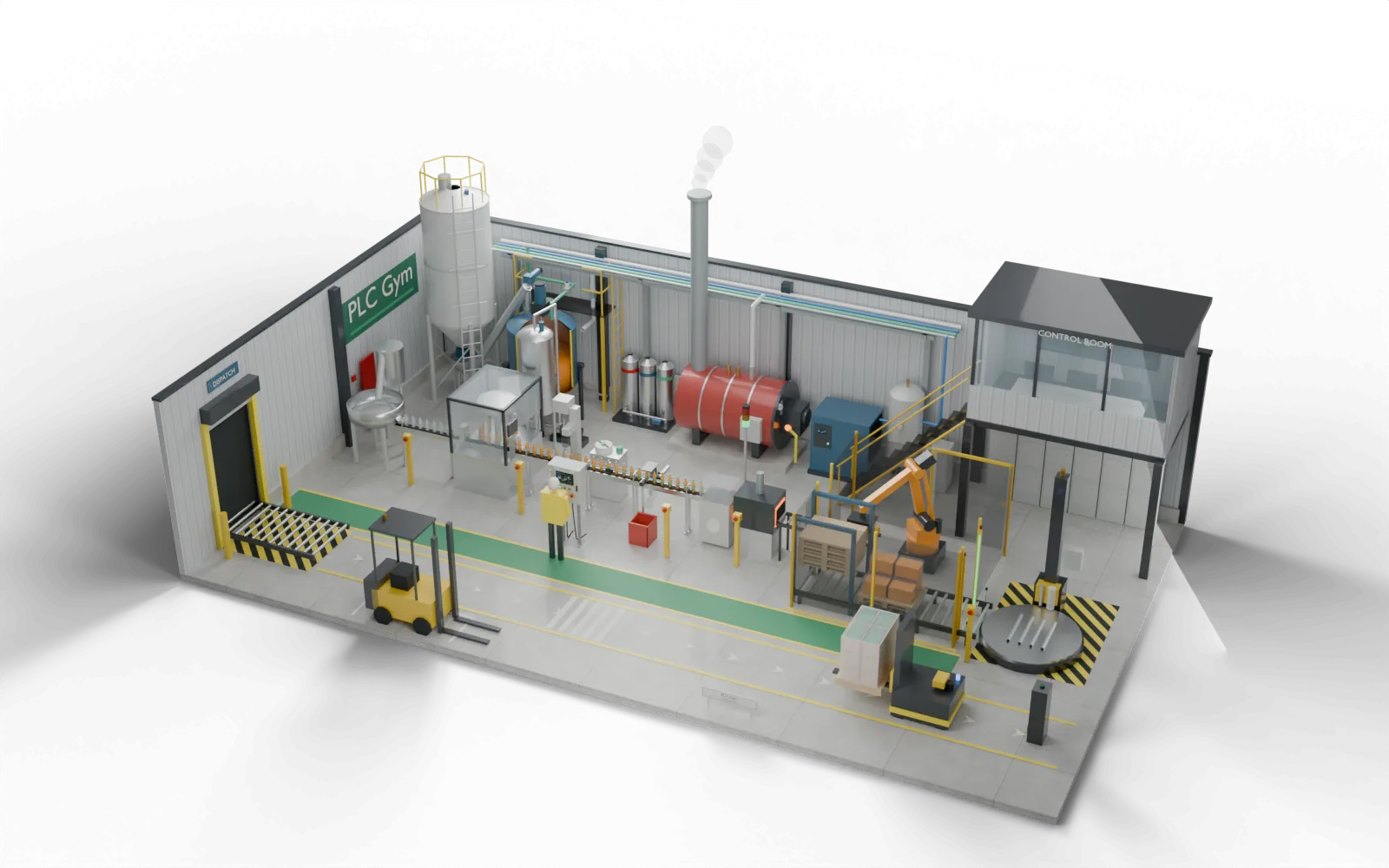
- 61
- practice missions
- 25
- working 3D machines
- 31
- course stages
- 8
- Siemens and Rockwell editor styles
- £0
- to start, with no account
Learn it. Write it. Prove it.
- 01
Learn the idea
Short lessons in plain English. Every new word is explained, and each one has something to try.
- 12 short chapters, about 3 minutes each
- Every new word explained as it comes up
- A glossary whenever you need it
- 02
Write the code, then run it
Type real Siemens or Rockwell code. Press Run and a 3D machine does exactly what you told it.
- Siemens SCL, ladder, FBD and GRAPH
- Rockwell Structured Text, ladder, FBD and SFC
- 25 working 3D machines
- 03
Prove it works
Automatic tests try your code in every situation. If one fails, replay it scan by scan and see why.
- Every mission has its own tests
- Replay any failure, one scan at a time
- Export to TIA Portal and Studio 5000
From one pump to a whole factory
61 missions on 25 working 3D machines. Each one is a real job: write the logic, run it, and the tests tell you if it works. Already experienced? Try the expert challenges.
 FoundationWhere everyone startsPump skidYour first command
 FoundationMixing vesselBring the tank up to temperature
 FoundationFilling lineCount the arrivals
 AppliedPedestrian crossingGreen figure, on time
 AppliedTwo-hand pressBoth hands, every time
 AdvancedGoods liftLevel, then open
 AdvancedOverhead craneBay A to bay B
 ExpertGantry palletiserInterlock every layer
- 61missions in all, from your first output to a whole factory.Browse every mission
Train your team. Test new hires on real faults.
The same plant, missions and tests, set up for a whole team or for an interview.
Write your first line of PLC code in five minutes.
The first guided lab explains every step. Nothing to install and no account needed.